MedPocket Surat2.0.3
Publisher Description


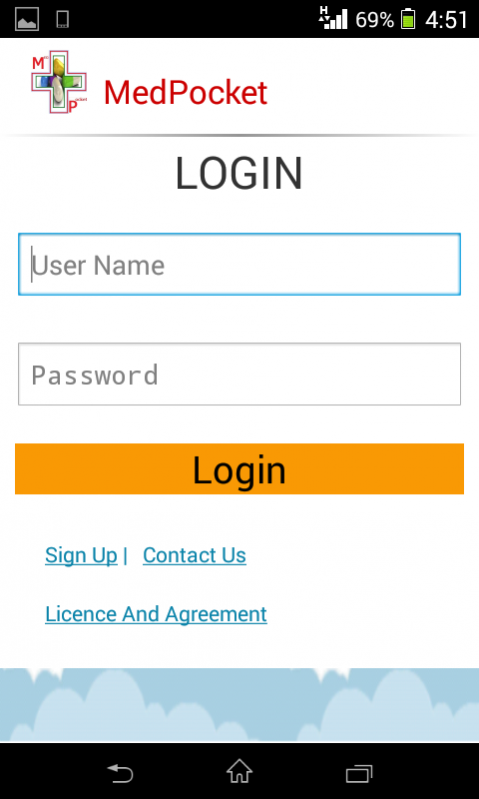
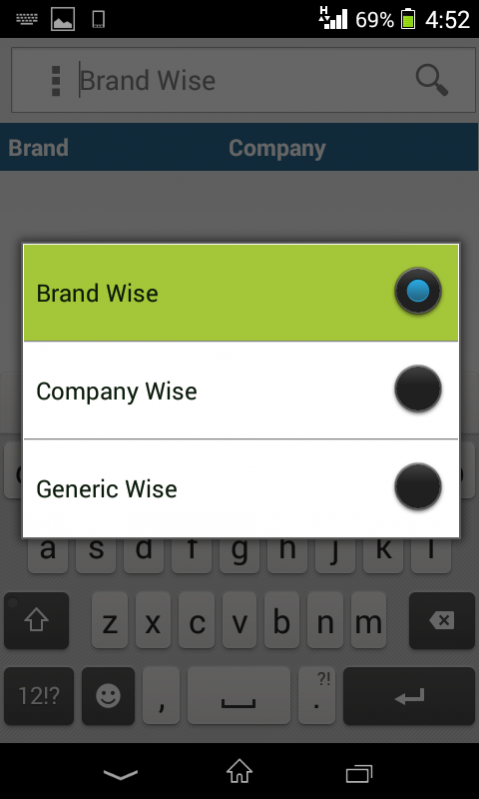
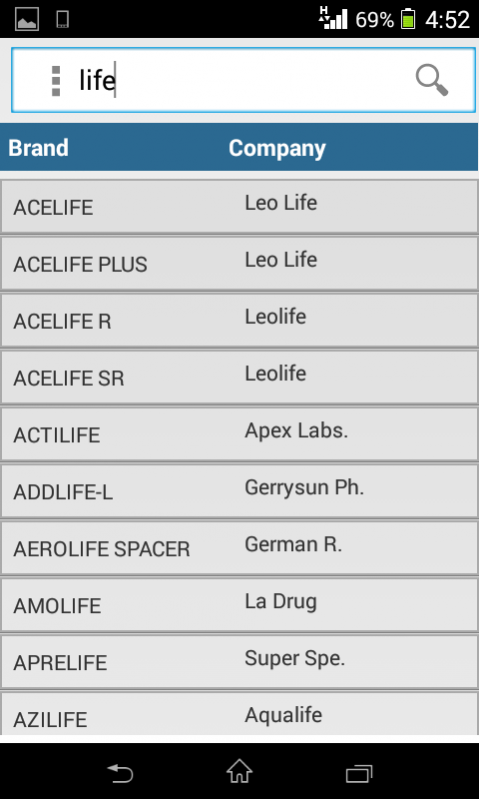
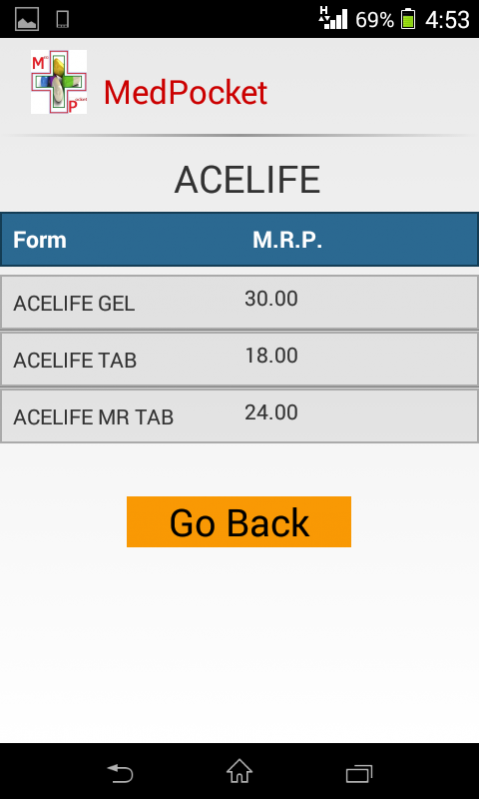
MedPocket Surat is a pocket medicine dictionary specially customised for Surat Chemists and Druggists Association. It helps their association users to search Brands (Medicines), Company, Contents and their Substitute products, Stockiest to Company list, Company to Stockiest list and Chemists and Druggists detail
Here are some major functionalities provided by MedPocket Surat.
1.) Brand Search
Search any of Product from almost of 150,000 products details e.g. Crocin.
2.) Company Search
Search Pharmaceutical manufacturing company and their Products. e.g. Cadila
3.) Content Search
Search Content (Composition) used in a Product and their similar Products.
4.) Substitute
Find a substitute of a given product.
5.) Content Detail
Get the details of Content used in a Product.
6.) Company To Stockiest
Search Companies and find out their Stockiest.
7.) Stockiest to Company
Search Stockiest and list out their companies
9.) Chemists and Druggists.
Helps to find Chemists and Druggists registered to Surat Chemists and Druggists Association.
10.) Retrieves notifications from Surat Chemists and Druggists Association.
12.) Upload new product or stockiest details.
About MedPocket Surat
The company that develops MedPocket Surat is Medisoft Services Pvt Ltd.. The latest version released by its developer is 2.0.3. This app was rated by 1 users of our site and has an average rating of 4.0.
To install MedPocket Surat on your Android device, just click the green Continue To App button above to start the installation process. The app is listed on our website since 2018-03-01 and was downloaded 44 times. We have already checked if the download link is safe, however for your own protection we recommend that you scan the downloaded app with your antivirus. Your antivirus may detect the MedPocket Surat as malware as malware if the download link to com.greenhorse.medpocket_surat is broken.
How to install MedPocket Surat on your Android device:
- Click on the Continue To App button on our website. This will redirect you to Google Play.
- Once the MedPocket Surat is shown in the Google Play listing of your Android device, you can start its download and installation. Tap on the Install button located below the search bar and to the right of the app icon.
- A pop-up window with the permissions required by MedPocket Surat will be shown. Click on Accept to continue the process.
- MedPocket Surat will be downloaded onto your device, displaying a progress. Once the download completes, the installation will start and you'll get a notification after the installation is finished.
Program Details
System requirements
Download information
Pricing
Version History
version 2.0.3
posted on 2018-03-01
- Real time notifications for Association members
- Add stockiest and Add Product Functionality
- Association news and notifications.
- bug fixes about search functionality.
- bug fixes related to Chemists search.
version 0.0.11
posted on 2016-10-16
- Improve search functionality
